




Quick answer: Use lens flares in video editing when they reinforce the light, mood or movement of a shot. Reduce or remove a flare when it hides an expression, washes out important detail or draws attention away from the story. A restrained effect can support a scene, while a bold flare can work as a deliberate graphic transition.
The useful question is not whether lens flares look cinematic. It is what the flare adds to this particular moment. Decide that before choosing an overlay.
When does a lens flare help a video?
A lens flare helps when it gives the viewer a clearer feeling of the light or adds emphasis at an intentional moment. A sunset portrait, a passing headlight and a music video title can all benefit, but each needs a different treatment.
Real lens flare occurs when bright light reaches the lens. It can appear as rings, coloured shapes or a broad haze. Adobe’s guide to lens flare photography explains these forms and why a veiling flare can reduce contrast. Those characteristics are useful references when choosing an overlay.
| Shot | Useful role for a flare | Reason to reduce or remove it |
|---|---|---|
| Portrait with sunlight behind the subject | Reinforce the warmth and direction of the light | The glow obscures the eyes or expression |
| Car window with passing sunlight | Give changing light a brief accent | The flare remains constant as the car moves into shade |
| Night scene with headlights | Emphasise a bright source within the scene | A competing streak pulls attention from the action |
| Interview under soft, even light | Occasionally support a deliberate stylised treatment | The effect has no clear purpose and distracts from speech |
| Product close up | Accent a reveal or reflective surface | The label, texture or important feature becomes harder to see |
| Title or music video transition | Provide a deliberate burst of light between moments | The burst interrupts reading or repeats too often |
Should a flare follow the lighting in the shot?
A flare intended to look photographic should respond to the scene’s lighting and camera movement. A flare used as a graphic transition has more freedom, provided the choice feels deliberate.
Start by locating the strongest plausible source. The sun may be just outside the frame, or a lamp may sit behind the subject. A light does not have to be visible for a flare to make sense.
Then watch the entire shot. If a doorway blocks the light or the camera turns away, consider fading the overlay rather than leaving it at the same strength. Match the timing to the event that motivates the effect.
Do not automatically attach the whole flare to a person’s face or a surface. Lens flare is an optical effect, so treating it like an object stuck inside the scene can feel odd. Use the footage as your reference and judge the result in motion.
How do you choose a useful flare overlay?
Choose a flare by its shape, spread and movement before judging its colour. A narrow accent and a broad wash can have very different effects on the same composition.
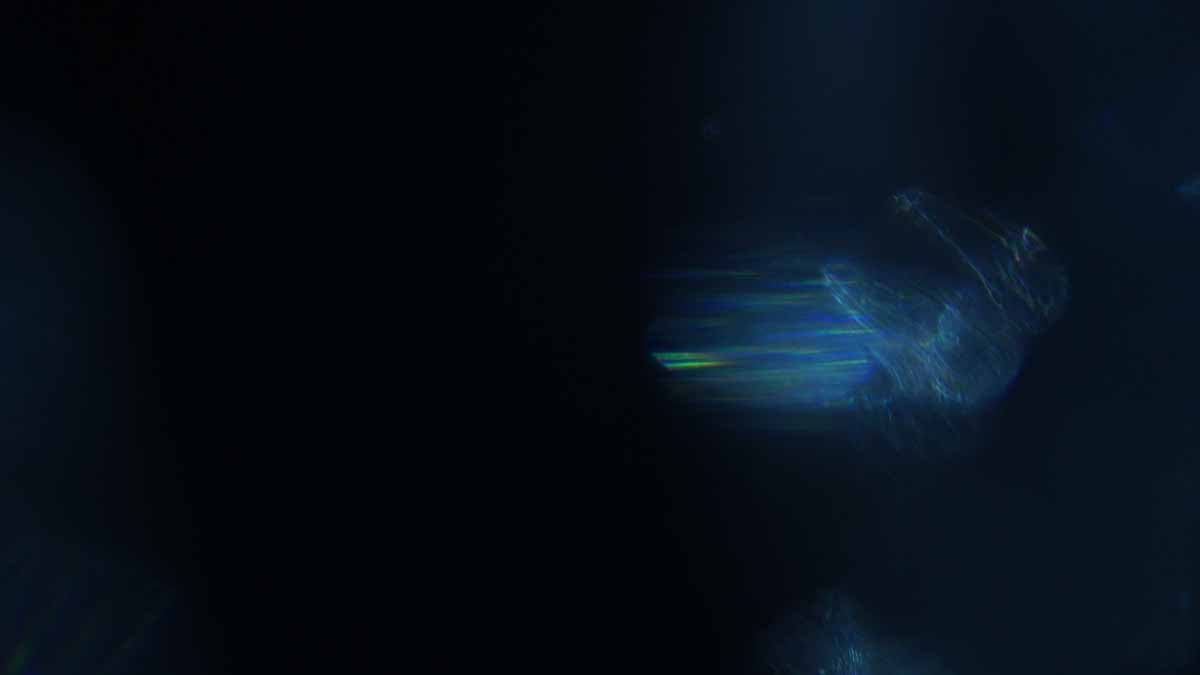
A smaller shape may leave more room for a face or title. A wider glow can soften a scene, but it also affects more of the image. Preview the brightest moment of the overlay, not just its first frame.
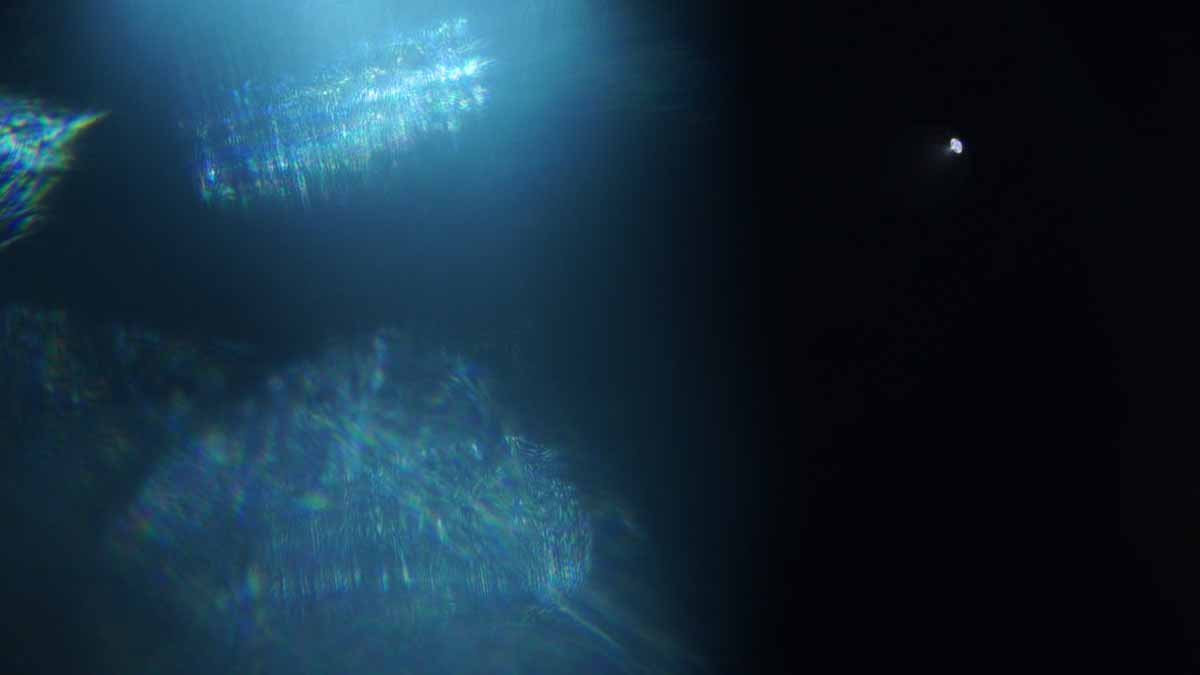
The AURA demonstration below is useful for judging movement as well as individual shapes. The examples above come from the same product page.
How strong should the flare be?
Make the flare only as strong as the shot needs. There is no useful opacity percentage that fits every overlay, background and delivery format.
Begin with the effect reduced, then raise it while watching the subject. Stop when the intended feeling is clear. Toggle the overlay off and on: the face, action or message should still hold your attention.
- Check expressions: can you still read the eyes and mouth at the important moment?
- Check text: does every word remain legible during the brightest frame?
- Check detail: can viewers see the product feature or action that the shot exists to show?
- Check colour: does the flare’s tint fit the treatment without making skin or a product look unintentionally different?
If the flare only works when it overwhelms the footage, try a different asset or leave that shot clean. An overlay cannot replace a clear subject or a well chosen cut.
How do you add flares without distracting from the edit?
Add flares to selected moments, then review the sequence at normal playback speed. An effect that looks attractive on a paused frame may become distracting when it moves or appears repeatedly.
- Choose the purpose. Write a simple note such as “accent the passing sunlight” or “bridge the title reveal”.
- Pick one candidate shot. Start with a clear lighting cue or a deliberate graphic moment.
- Match timing and placement. Trim the overlay to the moment and adjust its position with the composition in mind.
- Protect the subject. Reduce strength or change the asset if essential detail becomes difficult to read.
- Review neighbouring cuts. Check whether the effect creates an unwanted flash, colour jump or repetitive rhythm.
- Watch a short export. Review the actual delivery crop and size, including any captions.
For the editor controls, use our guide to applying lens flare overlays and choosing blend modes. It covers the setup in several editing applications. This shot selection pass is what turns those controls into a considered visual choice.
Related questions about lens flare overlays
Can a flare work when the light is outside the frame?
Yes. A bright source outside the frame can still reach the lens. For an added overlay, make the direction and timing consistent with the light suggested by the shot.
Should you add a flare before or after colour grading?
A practical starting point is to balance and establish the shot’s colour before judging an overlay. Then review the combined result through your final output treatment. Placing a flare before or after a grade can change its colour and brightness, so compare the result rather than assuming one order always works.
Why does a downloaded flare have a black background?
Some flare overlays are supplied against black so a blend mode such as Screen can combine the light with the footage underneath. A black background does not necessarily mean the file is faulty. Follow the asset instructions and the linked application guide.
Can you use the same flare across several shots?
Yes, but adjust each use to the lighting and composition. Repeating identical timing and placement can make the asset noticeable. Related shots may need a consistent treatment without sharing an identical overlay.
Will a flare still work in a vertical crop?
Sometimes, but check the vertical version separately. Cropping can remove the suggested light source or place the brightest part over a face or caption. Reposition or remove the effect for that version if needed.
Can a lens flare rescue dull footage?
A flare can add an accent, but it will not fix unclear storytelling, poor focus or an unsuitable shot. Resolve the underlying problem first, then decide whether the effect still contributes anything.


